
Dan Cranney
Tips and Tricks for Working with JSON
#1about 1 minute
Safely parse JSON and handle potential errors
Use a try-catch block around JSON.parse to gracefully handle invalid JSON and prevent application crashes.
#2about 1 minute
Create a helper function to validate JSON strings
Build a simple helper function that uses a try-catch block to return true or false, indicating if a string is valid JSON.
#3about 1 minute
Improve JSON readability with pretty printing
Use the third parameter of JSON.stringify to specify the number of spaces for indentation, making the output human-readable.
#4about 1 minute
Selectively exclude fields using a replacer function
Pass a function as the second argument to JSON.stringify to filter out sensitive or unnecessary fields by returning undefined for specific keys.
#5about 1 minute
Transform data during parsing with a reviver
Use the second parameter of JSON.parse as a reviver function to transform values, such as converting date strings into Date objects, during the parsing process.
#6about 1 minute
Create a deep clone of a JSON object
Perform a deep clone by serializing an object with JSON.stringify and then immediately deserializing it with JSON.parse to create a new, independent copy.
#7about 1 minute
Convert a JSON object to a URL query string
Create a function that iterates over an object's keys, URI-encodes the keys and values, and joins them with ampersands to form a valid query string.
#8about 1 minute
Dynamically create a JSON object from arrays
Generate a JSON object by programmatically combining an array of keys with a corresponding array of values using a loop.
#9about 1 minute
Merge multiple JSON objects into a single object
Combine two or more objects into one using the spread operator, where properties from later objects will overwrite those from earlier ones.
#10about 1 minute
Extract and flatten data from complex JSON
Use the flatMap method to efficiently iterate over an array of objects and extract nested array data into a single, flattened array.
Related jobs
Jobs that call for the skills explored in this talk.


Hubert Burda Media
München, Germany
€80-95K
Intermediate
Senior
JavaScript
Node.js
+1
Matching moments
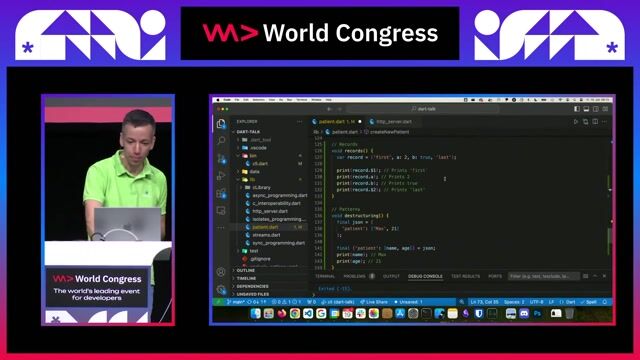
01:48 MIN
Destructuring and matching JSON with patterns
Dart - a language believed dead, experiences a new bloom

02:14 MIN
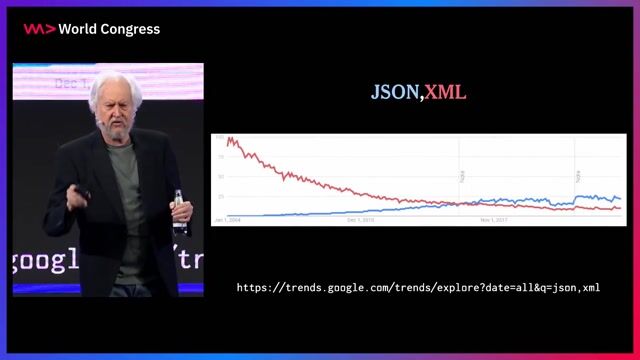
The origin story and design principles of JSON
JSON and Beyond

03:50 MIN
Using JSON:API to focus on data, not format
API Design - Getting Started
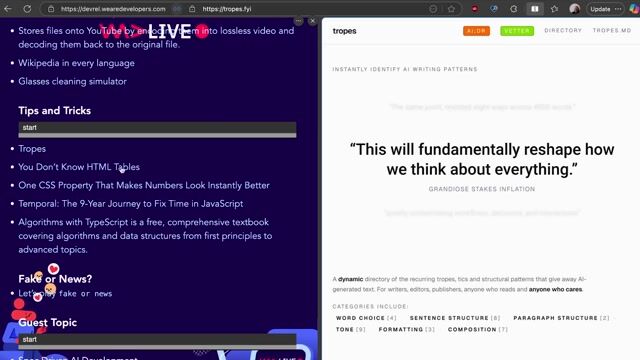
03:58 MIN
A modern look at HTML tables and JavaScript dates
WeAreDevelopers LIVE - SpeculAItions
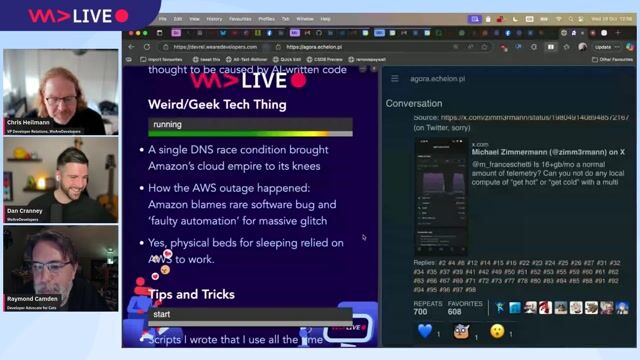
08:36 MIN
Practical developer tips for automation and presentation
WeAreDevelopers LIVE – AI vs the Web & AI in Browsers
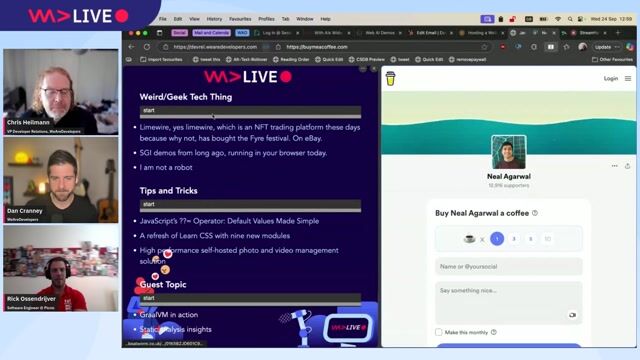
06:49 MIN
Highlighting useful developer tips and tools
WeAreDevelopers LIVE - GraalVM in action, Static Analysis insights and more

01:57 MIN
Presenting live web scraping demos at a developer conference
Tech with Tim at WeAreDevelopers World Congress 2024

03:42 MIN
The rise of JSON and the value of stability
JSON and Beyond
Featured Partners
Related Videos
 18:40
18:40JSON and Beyond
Douglas Crockford
 1:06:44
WeAreDevelopers LIVE – You Don’t Need JavaScript, Modern CSS and More
Chris Heilmann, Daniel Cranney & Theodore Lefevre
 30:36
30:36The Eventloop in JavaScript - How does it work?
Christian Woerz
 09:04
09:04Tips and Tricks: CSS Pseudo Class Selectors and Pseudo Elements
Dan Cranney
 1:16:52
WeAreDevelopers LIVE – Keeping Up with Styles, Data & More
Chris Heilmann, Daniel Cranney & Peter Kröner
 50:28
50:28Angular tips/tricks you can use from tomorrow on
Benedikt Starzengruber
 28:13
28:1310 must-know design patterns for JS Devs
Erick Wendel
 43:20
43:20The Art and Craft of Type Development
Michael Hladky & Stefan Baumgartner
Related Articles
View all articles


From learning to earning
Jobs that call for the skills explored in this talk.


Personnel Search B.V.
Amsterdam, Netherlands
MVC
GIT
JSON
jQuery
Node.js
+3
Personnel Search B.V.
Amsterdam, Netherlands
MVC
GIT
JSON
jQuery
Node.js
+3